

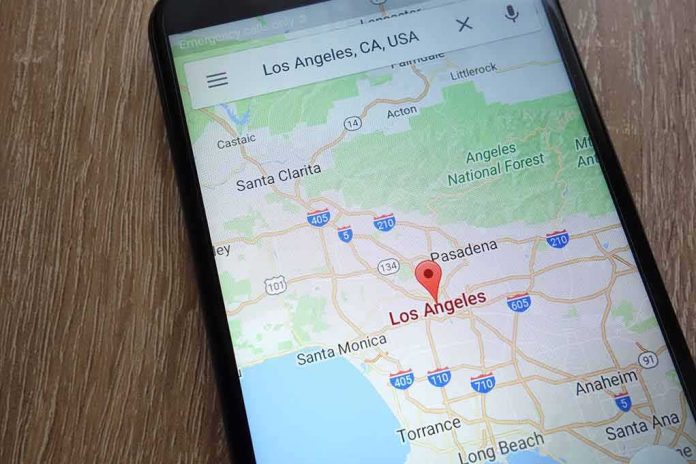
Google Maps can steer you off the fastest route by design, using a fuel-saving setting many users never changed — and some never noticed — in the first place.
Story Snapshot
- Google confirms Maps can favor fuel-efficient routes over the fastest route.
- Users can turn eco-routing off to restore fastest-route behavior, per support pages.
- Developer docs show the system can compute and return a fuel-efficient route by request.
- Secondary guides say the feature can be default-on, which can surprise drivers.
What Google Says The Feature Does
Google’s own support pages state that Maps may factor fuel efficiency into directions when the eco-routing setting is on. The pages add that if users turn the feature off, they will get the fastest route and Maps will not factor fuel or energy use into recommendations. A matching page for iPhone repeats the same control. It directs people to Navigation settings, where “Prefer fuel-efficient routes” can be switched on or off.
Google’s platform materials for businesses also state the capability plainly. The Google Maps Platform page says the system can provide routes based on estimated fuel use and can optimize for fuel efficiency. It specifies that optimization uses engine type and real-time traffic conditions. That means longer time or distance can sometimes be a tradeoff for lower fuel use. The documentation frames this as a menu of route options, not a single fixed rule.
How The Technology Picks A Route
Google’s developer documentation describes how apps can request eco-friendly routes through the Routes application programming interface. The guide explains that developers can ask the service to compute a route “optimized for lower fuel consumption” and can set a parameter that requests a fuel-efficient reference route. It also notes the system uses traffic and engine type when building that option. This shows the underlying service can output a fuel-saving path rather than the fastest one when asked.
Google’s public blog on eco-routing says the user is given a choice when the fuel-efficient route is not also the fastest route. The post says Maps will show the most fuel-efficient option and let the driver select the faster route instead if they prefer. That framing matches the support pages: the feature exists, it can affect route ranking, and the user can choose speed over savings. It does not quantify how often time is traded for fuel.
Why Many Drivers Feel Blindsided
Several consumer explainers describe eco-routing as enabled by default on phones, which can make drivers think Maps “sent them the long way” without clear consent. One guide states fuel-efficient routes are enabled by default on iPhone and Android, and that turning it off restores the fastest-route default while still showing the fuel-saving path as an option. This default-on claim helps explain frustration when a longer route appears without a simple, on-screen notice every time.
The reason this is happening is bc you live in Toronto.
Your ISP is routing traffic through an american server which is assigning you a US IP address.
Ironically, it doesn't matter what maps app you use. They'll all think you're in the US.
Google Maps shows Ontario here 🤷♂️ pic.twitter.com/xtrIGj8U8P
— Davey Crockpot (@CrockpotIi) August 31, 2026
For many readers, this lands in a larger pattern: big platforms change defaults, then expect users to hunt through settings. People on the right and left share a worry that unelected tech teams make value choices for everyone. In this case, a design to cut fuel use can cost minutes or miles. Google’s documents confirm the feature and the opt-out. What we do not have are figures on how often it slows trips or how clearly the app flags the tradeoff at the moment of choice.
What To Do Now, And What To Watch
Drivers who want speed should open Navigation settings and turn off “Prefer fuel-efficient routes” as Google instructs. That restores fastest-route behavior per the company’s help pages. People who prefer savings can keep the setting on and compare the options before starting drive. Policymakers and watchdogs may ask for clearer, on-screen disclosures when defaults change. Transparency about time-versus-fuel tradeoffs would help restore trust without removing choice.
Sources:
redstate.com, support.google.com, mapsplatform.google.com, tomsguide.com, upperinc.com